Nano Banana Split - Gemini Developer API v.s. Vertex AI

Intro
I've been experimenting with image generation pipelines using the three models
gemini-2.5-flash-image(nano banana)gemini-3-pro-image-preview(nano banana pro)gemini-3.1-flash-image-preview(nano banana 2)
When working with Gemini models in Python, the primary library is python-genai.
You can point it at the Developer API or Vertex AI backends. It's still the same SDK, same model names, and same parameters. The migration docs make it sound like you just flip vertexai=True and everything works the same.
That's what is being sold/presented:
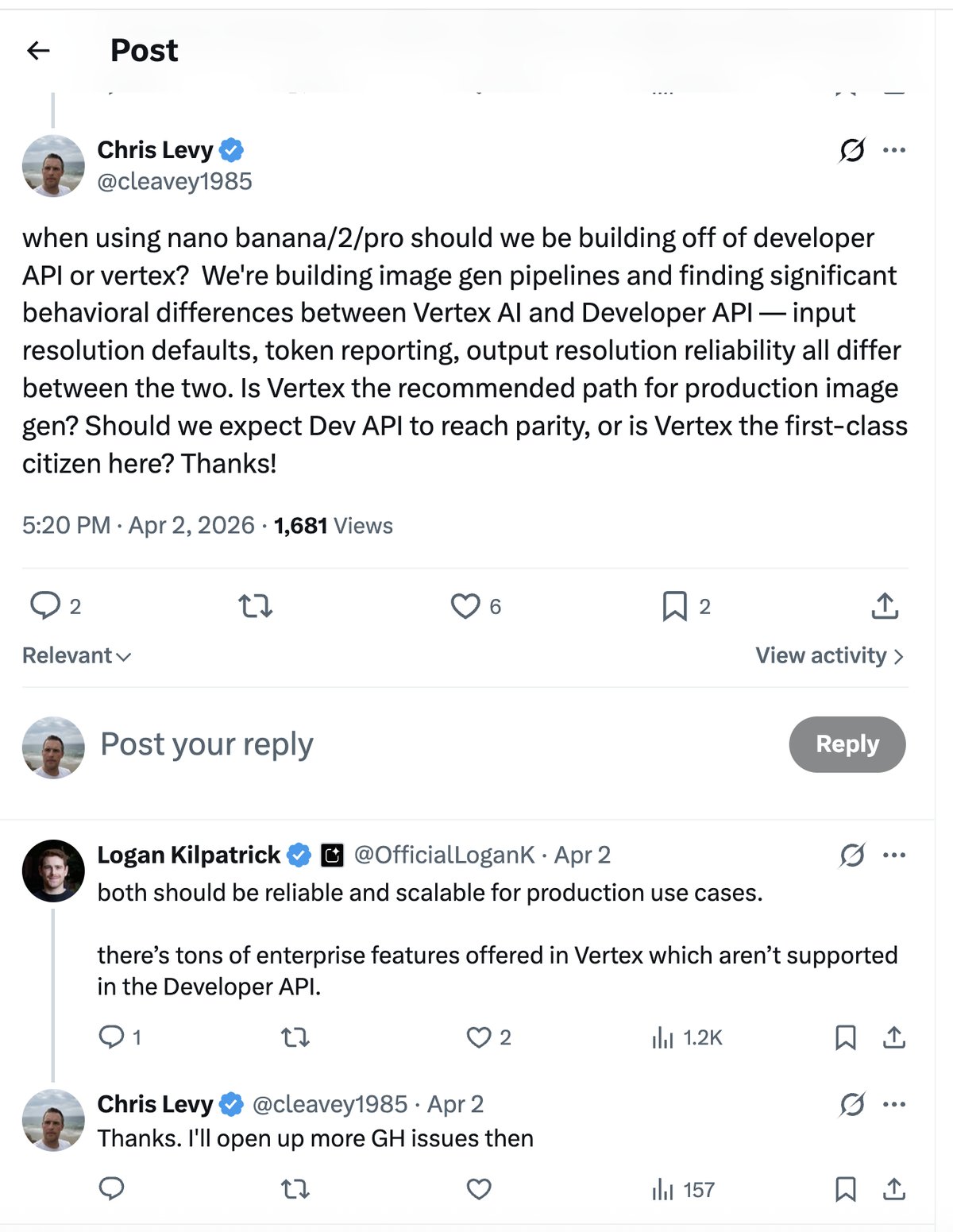
After spending time debugging, I can honestly say these two backends behave completely differently for image gen. Different input tokenization, broken config params, token counts that don't make a lot of sense, etc. There are so many subtle differences between the two backends, and it's frustrating.
import json
import os
import time
from io import BytesIO

import google.genai
from google.genai import types
from google.oauth2 import service_account
from IPython.display import display
from PIL import Image
import requests

print(f"SDK: google-genai=={google.genai.__version__}")

# Developer API client (uses GOOGLE_API_KEY env var)
dev_client = google.genai.Client()

# Vertex AI client (uses GCP_SERVICE_ACCOUNT_KEY env var)
sa_info = json.loads(os.environ["GCP_SERVICE_ACCOUNT_KEY"])
creds = service_account.Credentials.from_service_account_info(
    sa_info, scopes=["https://www.googleapis.com/auth/cloud-platform"]
)
vertex_client = google.genai.Client(
    vertexai=True,
    project=os.environ["GOOGLE_CLOUD_PROJECT"],
    credentials=creds,
)

# Models
NB1 = "gemini-2.5-flash-image"
PRO = "gemini-3-pro-image-preview"
NB2 = "gemini-3.1-flash-image-preview"

MODELS = {"NB1": NB1, "Pro": PRO, "NB2": NB2}


def load_image(url):
    resp = requests.get(url)
    return Image.open(BytesIO(resp.content))


def generate_image(client, model, prompt, image=None, resolution=None, media_resolution=None, thinking_config=None):
    contents = [prompt]
    if image is not None:
        contents.append(image)

    config_kwargs = {"response_modalities": ["TEXT", "IMAGE"]}
    if media_resolution is not None:
        config_kwargs["media_resolution"] = media_resolution
    if thinking_config is not None:
        config_kwargs["thinking_config"] = thinking_config

    image_config_kwargs = {}
    if resolution is not None:
        image_config_kwargs["image_size"] = resolution
    config_kwargs["image_config"] = types.ImageConfig(**image_config_kwargs)

    t0 = time.time()
    response = client.models.generate_content(
        model=model,
        contents=contents,
        config=types.GenerateContentConfig(**config_kwargs),
    )
    elapsed = time.time() - t0
    return response, elapsed
See Code
def print_usage(response):
    u = response.usage_metadata
    print(f"  prompt_token_count:     {u.prompt_token_count}")
    print(f"  candidates_token_count: {u.candidates_token_count}")
    print(f"  thoughts_token_count:   {u.thoughts_token_count}")
    print(f"  total_token_count:      {u.total_token_count}")
    details = u.prompt_tokens_details or []
    for d in details:
        print(f"  prompt {d.modality}: {d.token_count}")
    cand_details = u.candidates_tokens_details or []
    for d in cand_details:
        print(f"  candidates {d.modality}: {d.token_count}")


def get_output_images(response):
    images = []
    for part in response.candidates[0].content.parts:
        if part.inline_data:
            images.append(Image.open(BytesIO(part.inline_data.data)))
    return images


def print_parts(response, show_images=False):
    parts = response.candidates[0].content.parts
    for i, part in enumerate(parts):
        if part.text:
            print(f"  [{i}] thought={part.thought} text: {part.text[:120]}...")
        elif part.inline_data:
            img = Image.open(BytesIO(part.inline_data.data))
            print(f"  [{i}] thought={part.thought} image: {img.size[0]}x{img.size[1]}")
            if show_images:
                display(img)
    print(f"  Total: {len(parts)} parts")
Silently Downscaling of Input Images
The first issue here is important for things like text rendering quality as well as billing. The same image, the same model, the same prompt, but the Developer API and Vertex AI see different images.
On the Developer API, each image is tokenized to 258 tokens regardless of its actual size. On Vertex AI, input tokenization varies by model. This isn't documented anywhere and has implications for cost estimation since you're billed per token.
This is related to GitHub issue #1907.
small_img = Image.open("blog_test_image_small.jpg")  # 1408x768
large_img = Image.open("blog_test_image_large.jpg")  # 5632x3072
print(f"Small image: {small_img.size[0]}x{small_img.size[1]}")
print(f"Large image: {large_img.size[0]}x{large_img.size[1]}")
display(small_img)
display(large_img)
# Compare input tokens: Dev API vs Vertex, small vs large, all 3 models
PROMPT = "Create a UGC style image featuring this exact same product. Keep the product the same as well as the text on the product."

results = []
print(f"{'Model':<6} {'API':<8} {'Image':<8} {'Input Tokens':>13} {'Image Tokens':>13}")
print("-" * 55)

for name, model in MODELS.items():
    for api_name, client in [("Dev", dev_client), ("Vertex", vertex_client)]:
        for img_name, img in [("small", small_img), ("large", large_img)]:
            try:
                resp, elapsed = generate_image(client, model, PROMPT, image=img)
                details = resp.usage_metadata.prompt_tokens_details or []
                img_tokens = next(
                    (d.token_count for d in details if "IMAGE" in str(d.modality)), None
                )
                print(f"{name:<6} {api_name:<8} {img_name:<8} {resp.usage_metadata.prompt_token_count:>13} {img_tokens:>13}")
                images = get_output_images(resp)
                if images:
                    results.append((f"{name} / {api_name} / {img_name} (img_tokens={img_tokens})", images[-1]))
            except Exception as e:
                print(f"{name:<6} {api_name:<8} {img_name:<8} {'ERROR':>13} {str(e)[:30]}")
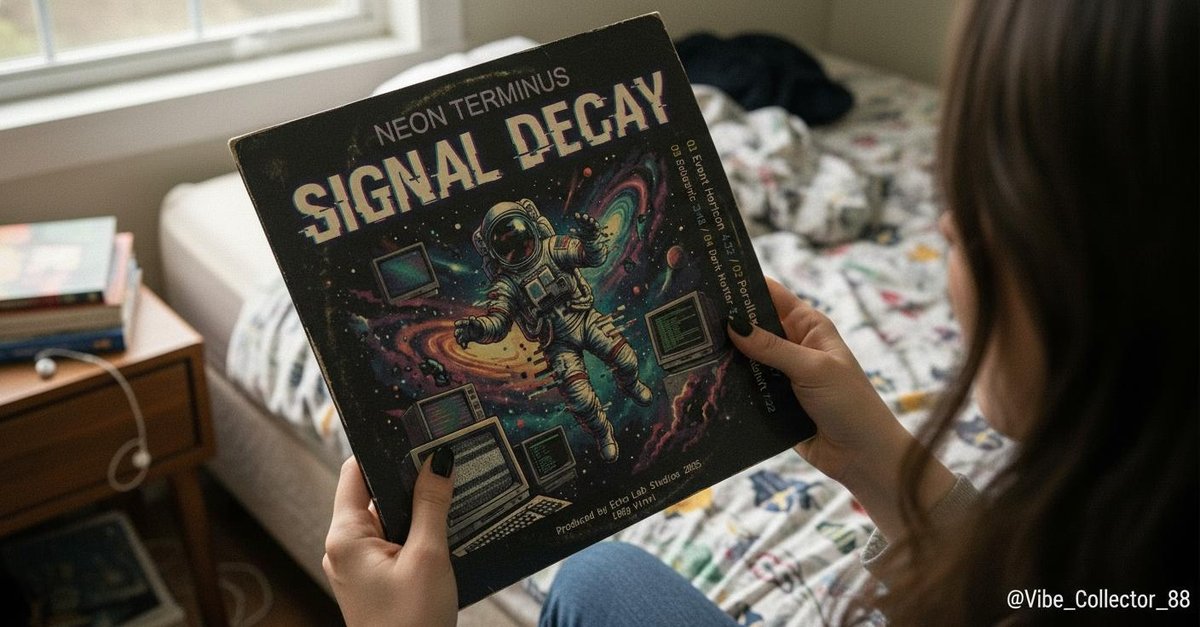
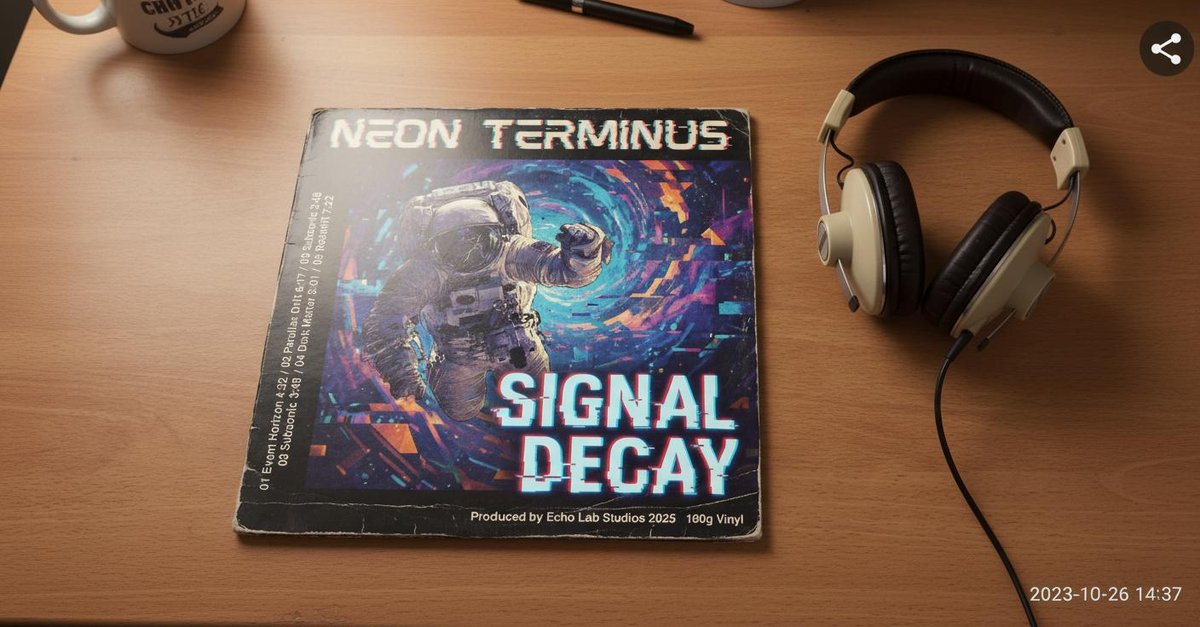
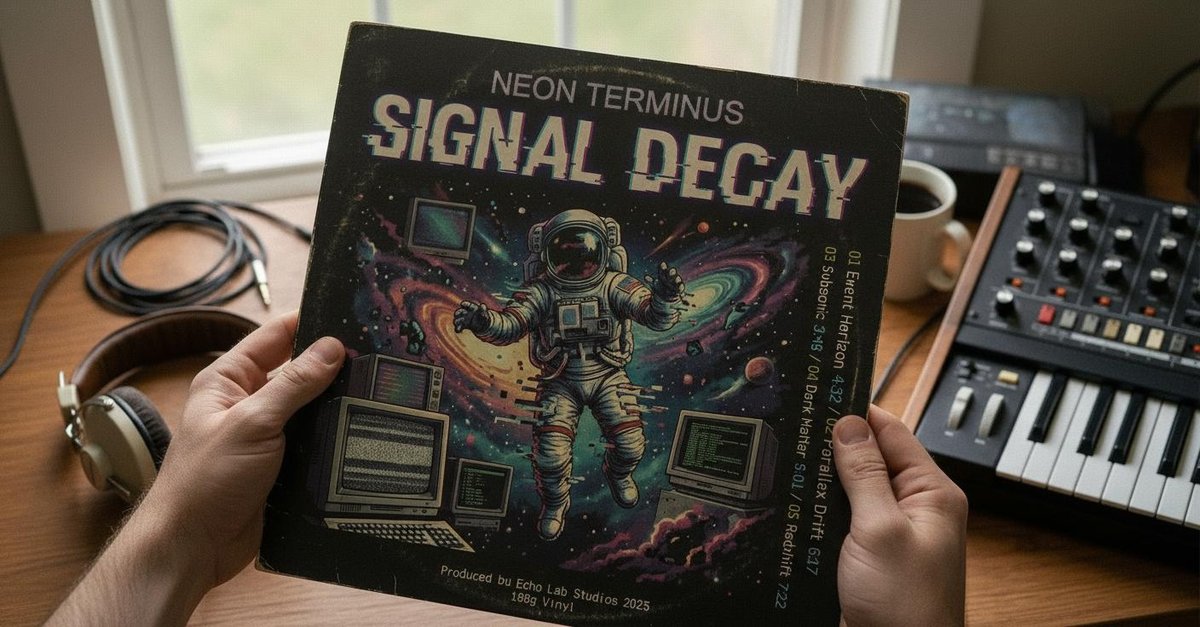
Look at that! The tokens used per input image, for the same prompts/inputs, is completely different between Developer API and Vertex AI.
| NB1 / Dev / small | NB1 / Dev / large |
|---|---|
 |
 |
| NB1 / Vertex / small | NB1 / Vertex / large |
|---|---|
 |
 |
| Pro / Dev / small | Pro / Dev / large |
|---|---|
 |
 |
| Pro / Vertex / small | Pro / Vertex / large |
|---|---|
 |
 |
| NB2 / Dev / small | NB2 / Dev / large |
|---|---|
 |
 |
| NB2 / Vertex / small | NB2 / Vertex / large |
|---|---|
 |
 |
One would think the natural fix is to set media_resolution=MEDIA_RESOLUTION_HIGH in the config.
On Vertex AI: It's the default behavior AFAIK, as we saw above.
On Developer API: If you try and use this parameter you get 400 INVALID_ARGUMENT on all 3 models. The only way to control input resolution is broken on one backend. This means if you're on the Developer API, your model always sees a lower resolution image.
# media_resolution=HIGH: works on Vertex, 400s on Dev API
for name, model in MODELS.items():
    for api_name, client in [("Vertex", vertex_client), ("Dev", dev_client)]:
        try:
            resp, elapsed = generate_image(
                client, model, PROMPT, image=small_img,
                media_resolution=types.MediaResolution.MEDIA_RESOLUTION_HIGH,
            )
            details = resp.usage_metadata.prompt_tokens_details or []
            img_tokens = next(
                (d.token_count for d in details if "IMAGE" in str(d.modality)), None
            )
            print(f"{name:<6} {api_name:<8} media_resolution=HIGH → {img_tokens} image tokens")
        except Exception as e:
            err_msg = str(e).split("'message':")[0][:60] if "message" in str(e) else str(e)[:60]
            print(f"{name:<6} {api_name:<8} media_resolution=HIGH → ERROR: {err_msg}")
Digging further, there's an alternative setting for media_resolution at the part level instead of the config level.
On the Developer API this doesn't 400, but it breaks prompt_token_count! It comes back as None. So both approaches are broken on the Dev API, just in different ways.
This is GitHub issue #2224.
# Part-level media_resolution: doesn't 400 on Dev API, but breaks prompt_token_count
for name, model in MODELS.items():
    for api_name, client in [("Dev", dev_client), ("Vertex", vertex_client)]:
        try:
            # Convert PIL image to bytes for inline_data
            buf = BytesIO()
            small_img.save(buf, format="JPEG")
            image_bytes = buf.getvalue()

            image_part = types.Part(
                inline_data=types.Blob(mime_type="image/jpeg", data=image_bytes),
                media_resolution=types.MediaResolution.MEDIA_RESOLUTION_HIGH,
            )

            t0 = time.time()
            resp = client.models.generate_content(
                model=model,
                contents=[PROMPT, image_part],
                config=types.GenerateContentConfig(
                    response_modalities=["TEXT", "IMAGE"],
                ),
            )
            elapsed = time.time() - t0

            u = resp.usage_metadata
            details = u.prompt_tokens_details or []
            img_tokens = next(
                (d.token_count for d in details if "IMAGE" in str(d.modality)), None
            )
            print(f"{name:<6} {api_name:<8} part-level HIGH → prompt_token_count={u.prompt_token_count}, image_tokens={img_tokens}")
        except Exception as e:
            err_msg = str(e)[:80]
            print(f"{name:<6} {api_name:<8} part-level HIGH → ERROR: {err_msg}")
Output Resolution and mysterious token reporting
Pro and NB2 models support output resolution control (image_size parameter: "2K", "4K", etc.)
In my testing:
- Pro: was consistent in outputting the requested resolution
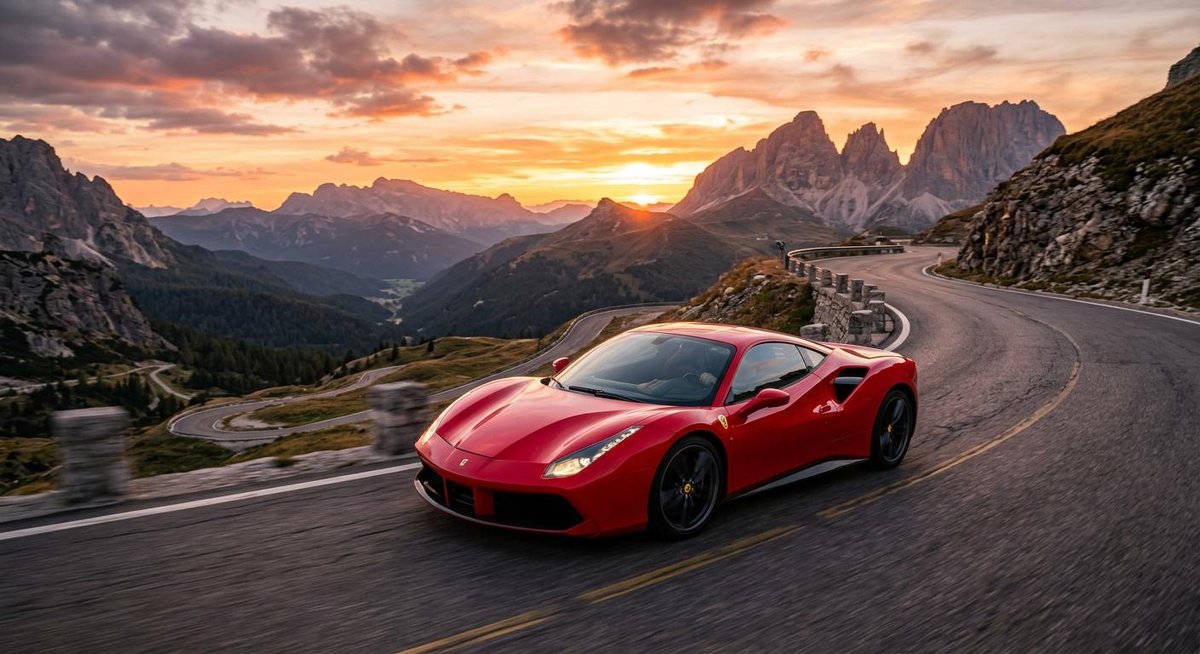
- NB2: Inconsistent. Sometimes delivers default-res images while charging high-res output tokens.
The token reporting is also suspicious:
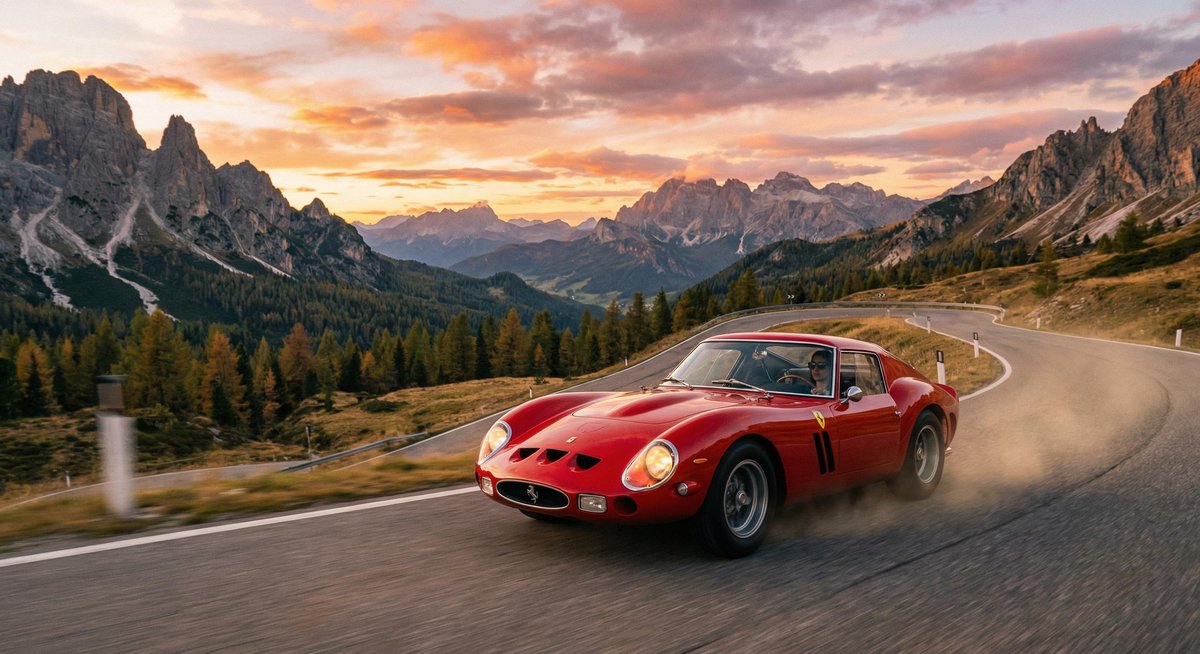
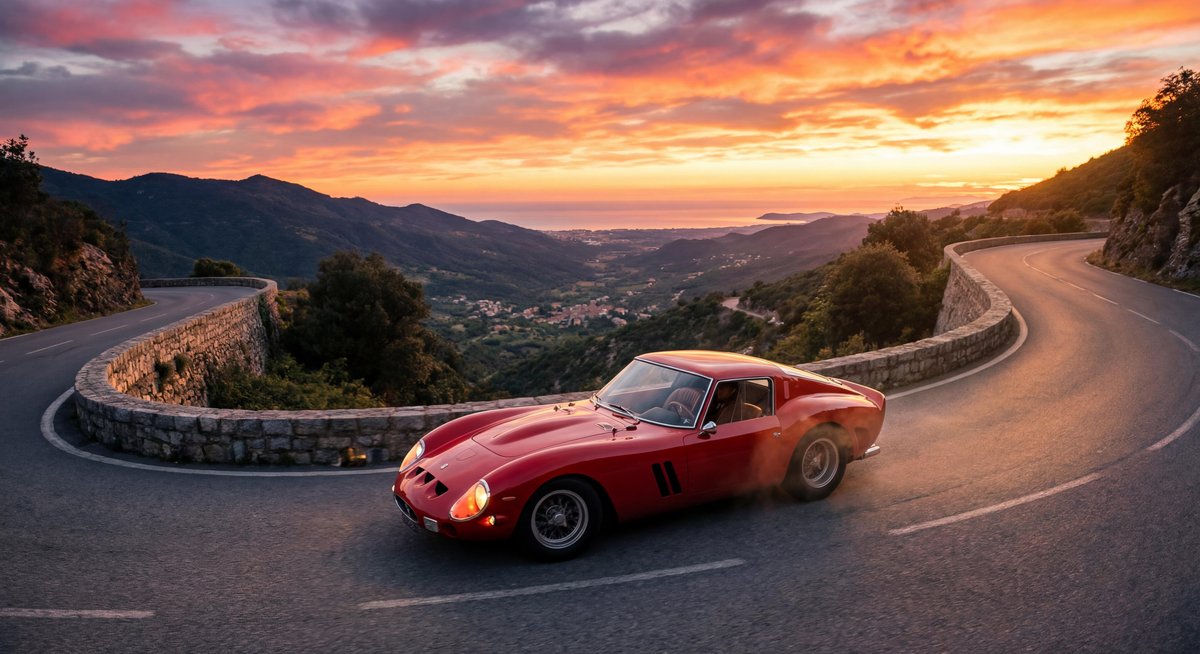
- Pro at default and 2K resolutions both report 1120 output image tokens. Only at 4K does it jump to 2000. Is 2K just an upscale? What does it mean?
- NB2 tokens scale linearly: 1120 → 1680 → 2520, which makes more sense.
# Output resolution: Pro vs NB2 at default, 2K, 4K (Vertex only)
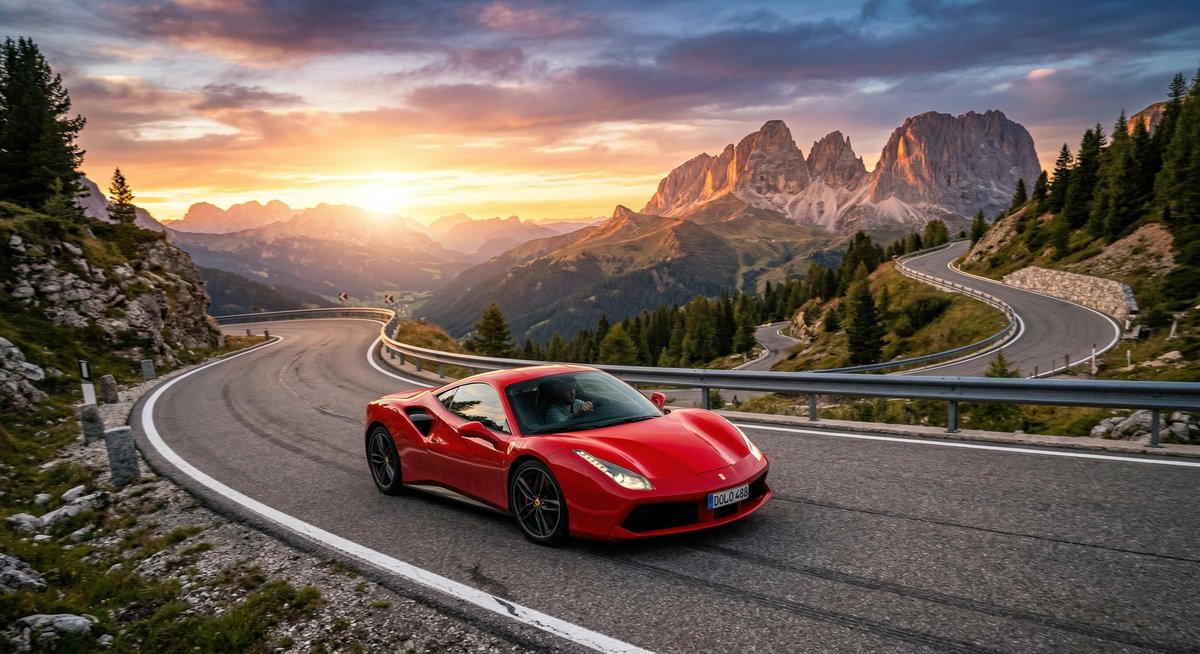
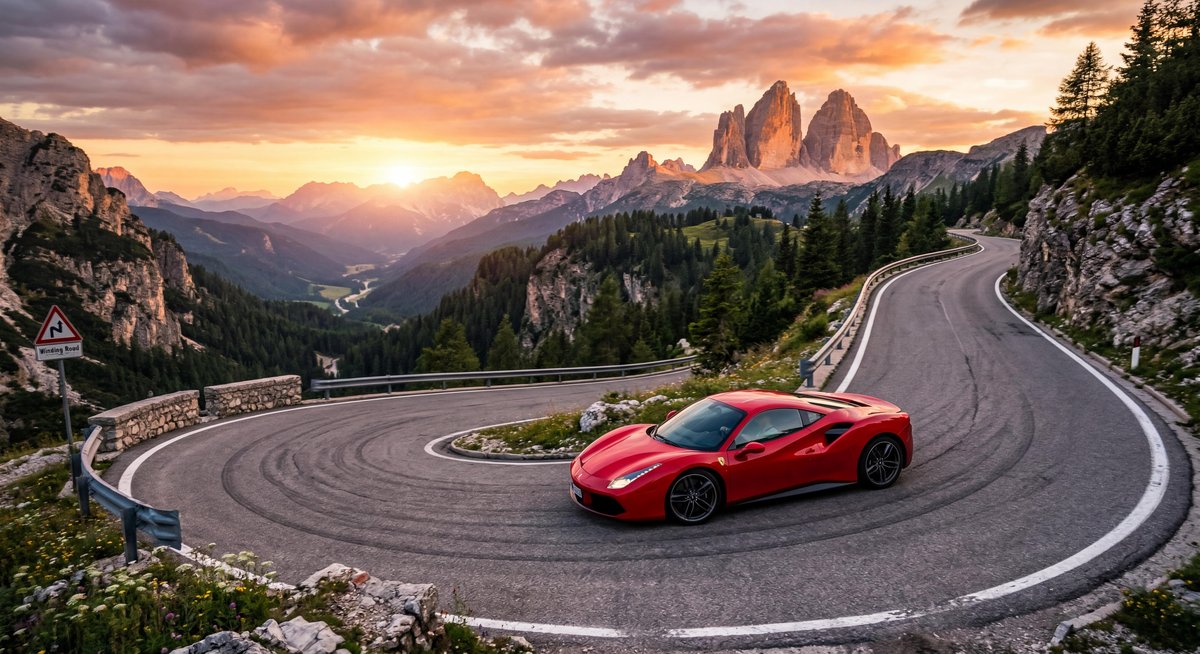
TEXT_PROMPT = "Draw a detailed photo of a red sports car on a mountain road at sunset."

section3_results = []
print(f"{'Model':<6} {'Resolution':<12} {'Output Size':<14} {'Output Img Tokens':>18} {'Time':>6}")
print("-" * 62)

for name, model in [("Pro", PRO), ("NB2", NB2)]:
    for res in [None, "2K", "4K"]:
        try:
            resp, elapsed = generate_image(
                vertex_client, model, TEXT_PROMPT, resolution=res,
            )
            cand_details = resp.usage_metadata.candidates_tokens_details or []
            img_tokens = next(
                (d.token_count for d in cand_details if "IMAGE" in str(d.modality)), None
            )
            images = get_output_images(resp)
            if images:
                last_img = images[-1]
                size_str = f"{last_img.size[0]}x{last_img.size[1]}"
            else:
                last_img = None
                size_str = "no image"
            res_str = res or "default"
            print(f"{name:<6} {res_str:<12} {size_str:<14} {img_tokens:>18} {elapsed:>5.1f}s")
            if last_img:
                section3_results.append((f"{name} / {res_str} — {size_str} ({img_tokens} img tokens, {elapsed:.0f}s)", last_img))
        except Exception as e:
            res_str = res or "default"
            print(f"{name:<6} {res_str:<12} ERROR: {str(e)[:50]}")
Why doesn't the output image token count scale with resolution consistently for Pro?
| Pro / default | Pro / 2K | Pro / 4K |
|---|---|---|
 |
 |
 |
| NB2 / default | NB2 / 2K | NB2 / 4K |
|---|---|---|
 |
 |
 |
NB2's "Thought Images"
The idea is that NB2 may be able to output high quality images but faster and cheaper than the pro model, right?
But NB2 (gemini-3.1-flash-image-preview) is a thinking model and can generate multiple text/image parts.
It can:
- Plan the composition across multiple text parts
- Generate a draft image at default resolution
- Critique the draft
- Generate the final image at the requested resolution
A single request can return 18-20 parts: thinking text, draft images, critique text, and the final image. This is documented behavior called "Thought Images." This most likely leads to higher quality, but also higher tokens/latency. Turning it off/on is broken, and of course the behavior is different between the Developer API and Vertex AI!
On the Developer API, the same model returns 1 part — just the final image. Thinking doesn't happen at all (thoughts_token_count is None). Let's try passing ThinkingConfig on the Dev API to force thinking on. And on Vertex, we can try turning it off with include_thoughts=False. However, in both cases, it's busted.
First, we show that by default the Vertex AI backend will use the "Thought Images" behavior.
# NB2 on Vertex: the full self-critique loop
print("=== NB2 on Vertex ===")
resp, elapsed = generate_image(vertex_client, NB2, TEXT_PROMPT)
print_parts(resp, show_images=True)
print(f"\n  Time: {elapsed:.1f}s")
print_usage(resp)
But then you run the same prompt on the Developer API and it doesn't do any of that.
# NB2 on Dev API: no thinking at all
print("=== NB2 on Dev API ===")
resp, elapsed = generate_image(dev_client, NB2, TEXT_PROMPT)
print_parts(resp, show_images=True)
print(f"\n  Time: {elapsed:.1f}s")
print_usage(resp)
Then try and enable it with ThinkingConfig but it doesn't work.
# Can we enable thinking on Dev API?
print("=== NB2 Dev API + ThinkingConfig(include_thoughts=True) ===")
try:
    resp, elapsed = generate_image(
        dev_client, NB2, TEXT_PROMPT,
        thinking_config=types.ThinkingConfig(include_thoughts=True),
    )
    print_parts(resp)
    print(f"\n  Time: {elapsed:.1f}s")
    print_usage(resp)
except Exception as e:
    print(f"  ERROR: {e}")
The docs say you can suppress thought parts from the response by setting include_thoughts=False in ThinkingConfig. Thinking tokens are still billed, but the parts should be hidden.
It doesn't work. All thought text and draft images still come through. The part.thought flag IS correctly set to True, so client-side filtering is possible as a workaround — but the API-level suppression is broken.
This is GitHub issue #2239. Attempting to turn it off with include_thoughts=False on Vertex AI doesn't work.
# include_thoughts=False should suppress thought parts — but doesn't
print("=== NB2 Vertex + include_thoughts=False ===")
resp, elapsed = generate_image(
    vertex_client, NB2, TEXT_PROMPT,
    thinking_config=types.ThinkingConfig(include_thoughts=False),
)
print_parts(resp, show_images=True)
print(f"\n  Time: {elapsed:.1f}s")
print_usage(resp)
print("\n  ^ Thought parts still present despite include_thoughts=False")
Conclusion
So the answer to every issue above is: "just use Vertex AI". But that comes with its own complexity.
The Google Gemini Developer API appears great at first. They are doing some good work there. I'm on tier 3, but then randomly get 403 resource exhausted errors when not even close to the reported rate limits. Then you read the fine print and find out that rate limits on the Developer API are still subject to global availability.
Okay fine ..., switch to Vertex AI. Then you switch to Vertex AI and it's promised to be "enterprise ready". But the dev experience is bad. You get used to the developer API but then realize that Vertex AI has different behavior for the same model/inputs (even if it's better), as documented above.
With Vertex AI you need a GCP project, service account credentials, blah blah blah.. and if you want reliable throughput for production you need to purchase GSUs (Generative AI Scale Units)! Google's provisioned throughput system is confusing and complex. Here's what the GSU calculator looks like for example:
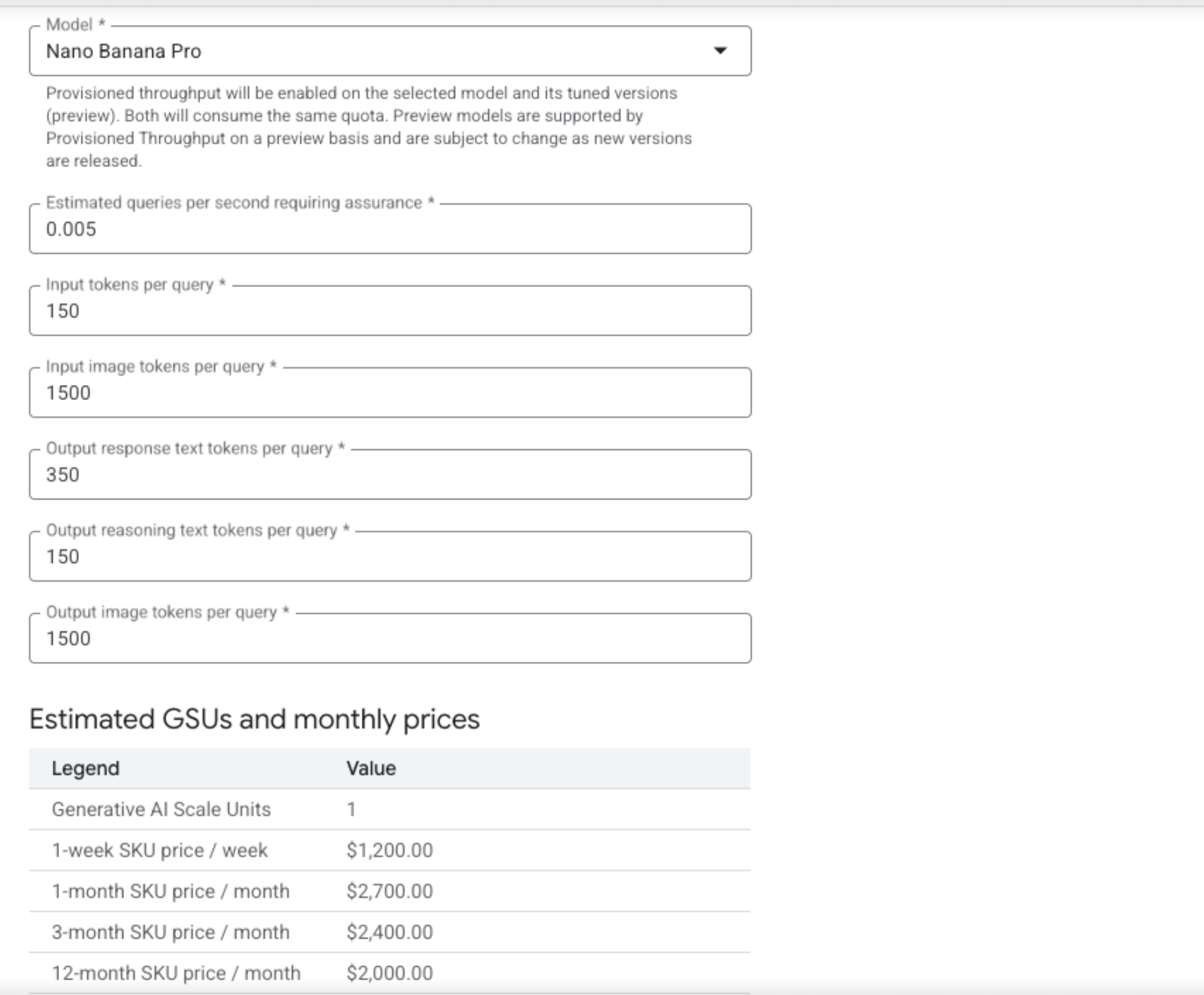
$2,000-$2,700/month for a single GSU, and the calculator requires you to estimate input tokens per query, output image tokens per query, output reasoning tokens per query, etc. Good luck filling that in accurately when, as we showed above, token reporting is inconsistent across models, thinking tokens are unpredictable, and draft images are billed but undocumented. And it's not even self serve! You need to contact Google to get a GSU limit increase and put in a request.
Whatever happened to just getting a single API key and scaling through tiers? I have built a lot of things off of OpenAI in production. It just works. It scales. A single API key is really all you need.
The Google Image Generation models are genuinely impressive, but the developer experience around them is painful.